
Oil & gas
Oil and Gas Fleet Management for Remote Field Vehicles
Field vehicles in oil and gas drive long desert distances to sites where a breakdown is a safety problem, not just a delay. Axpense keeps each vehicle’s pre-trip inspections, heavy-duty service schedule and costs on one record, so supervisors can see that a vehicle is fit to go before it leaves.
The fleet challenges specific to oil and gas
Operators and oilfield service companies in Egypt’s Western Desert, the Gulf of Suez, Saudi Arabia’s Eastern Province and across the Gulf share the same fleet problems:
- Remote routes. A vehicle may drive hundreds of kilometres on desert tracks to reach a rig or camp. A failure out there puts the crew at risk and can take a day to recover.
- Strict checks before every journey. Most operators require a documented vehicle check before a vehicle is allowed to leave base, and supervisors need to know it was actually done.
- Heavy-duty operation. Heat, sand, corrugated tracks and full loads push vehicles into the manufacturer’s severe-duty category.
- Audits and incident reviews. After an incident, the first questions are about the vehicle: when was it last serviced, when was it last inspected, and what was found.
Vehicles used in oil and gas operations
A typical oil and gas fleet includes 4x4 pickups and SUVs for engineers and supervisors, crew buses between camps and sites, water and vacuum tankers, service trucks carrying tools and equipment, and heavy trucks for rig moves and materials.
Each one is a vehicle record in Axpense with plate, make, model, odometer, status and assigned driver. Vehicles leased from contractors can be registered too, so the company sees the full fleet working on its sites.
Maintenance needs: heavy-duty intervals by kilometre
Desert operation usually means following the manufacturer’s severe-duty schedule: shorter oil and air filter intervals, and more frequent checks of brakes, suspension, cooling and tyres. Using the normal schedule is one of the most common reasons field vehicles break down.
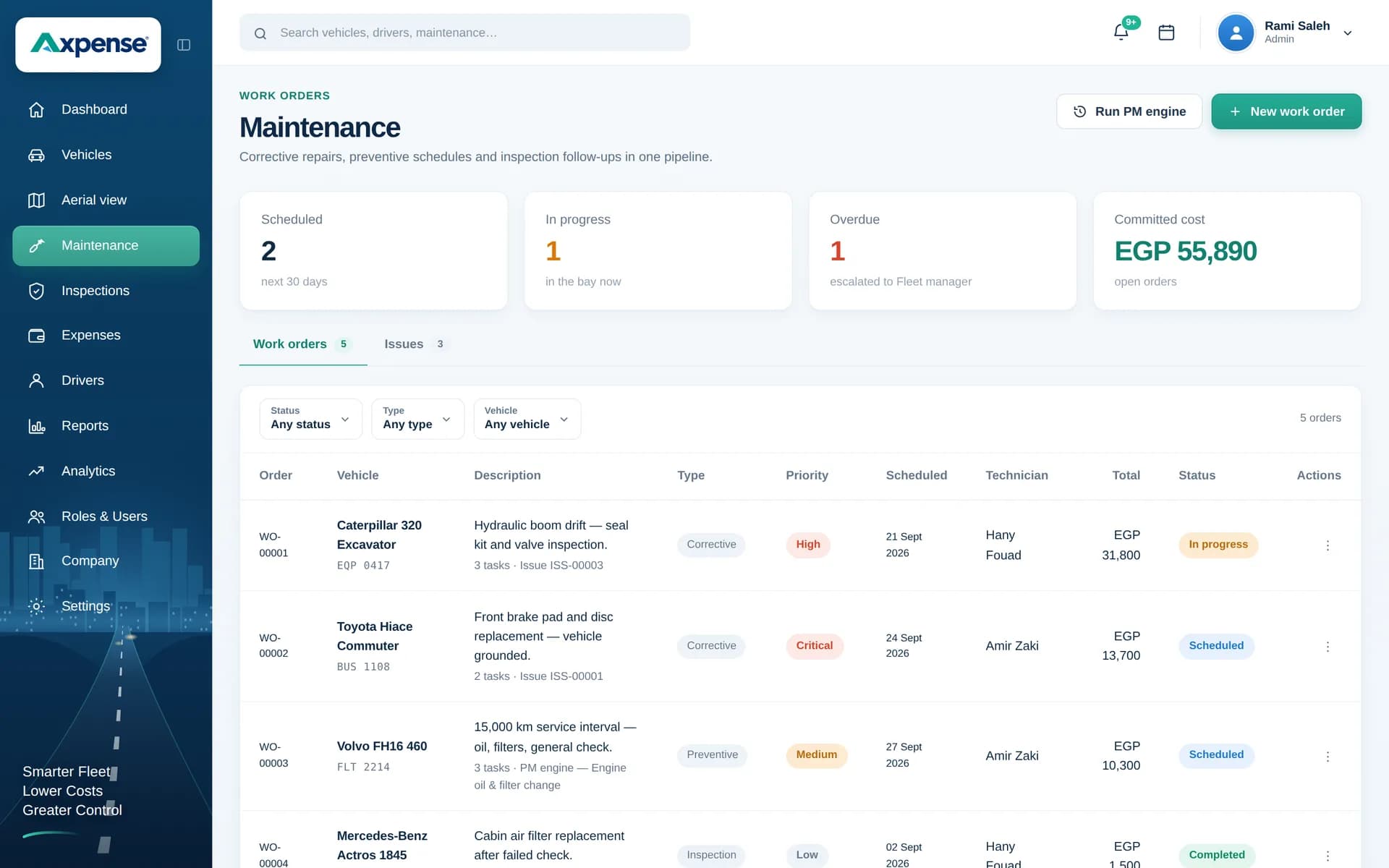
In Axpense you set each interval in kilometres, per vehicle. The system shows kilometres left to each service and lists the vehicles that are overdue, so a supervisor can hold back a vehicle that should not go out on a long trip. Each completed service stays in the vehicle’s history. Filters, tyres and other parts fitted in the field can be recorded through spare parts, so you can see what went into which vehicle. Read more on our fleet maintenance software page.
Inspection needs: pre-trip checks with a record behind them
In oil and gas, a pre-trip inspection is usually part of journey management, not an optional form. Typical items for a desert trip include tyres and spare, wheel nuts, brakes, lights, seat belts, fire extinguisher, first-aid kit, recovery equipment, water and communication equipment on board.
In Axpense you define the checklist items once. Each inspection records pass or fail per item against the vehicle and the driver assigned to it, and failed items are kept on the vehicle record for the workshop and supervisor to follow up. Over time, the completed checklists and service records form a clear history for each vehicle that you can show in an audit or incident review. Axpense keeps the vehicle side of that record; your own HSE system and policies still define what is required. See our vehicle inspection software for more.
Cost needs: what each field vehicle really costs
Field vehicles are expensive to run and their costs are often spread across contracts and cost centres. Axpense records repairs, parts, tyres, insurance, registration and other costs per vehicle and category, so you can see the total for each vehicle and compare vehicles doing similar work.
For example, if two identical pickups on similar routes show very different repair totals over a year, that difference points to something worth checking: driving style, a recurring fault or a vehicle past its economic life. Depreciation in vehicle lifecycle management adds book value to that comparison, and fleet cost tracking explains the cost reports.
How an oil and gas fleet team works in Axpense
- 1
Register field vehicles
Own and contractor vehicles with plate, odometer, status and assigned driver.
- 2
Set severe-duty km intervals
Axpense tracks km left per service and flags overdue vehicles before a trip is planned.
- 3
Build the pre-trip checklist
Include the safety and recovery items your procedures require.
- 4
Inspect before each journey
Pass or fail per item; failed items stay on the vehicle record for follow-up.
- 5
Record costs per vehicle
Repairs, parts, tyres and insurance by category.
- 6
Review the fleet weekly
Overdue services, open failed items and cost by vehicle on one dashboard.
Modules used by oil and gas fleet teams
Inspections
Pre-trip checklists with pass and fail results on the vehicle history.
Preventive maintenance
Heavy-duty km intervals with a clear overdue list.
Vehicle management
Own and contractor vehicles in one register.
Driver management
Each vehicle linked to its assigned driver.
Expenses
Every repair and running cost recorded per vehicle.
Reports
Maintenance status and costs across all sites.
KPIs oil and gas fleet managers watch
Common practice in the sector, calculated from the records you keep.
Vehicles overdue for service, which should be zero for vehicles on long trips.
Pre-trip inspections completed against trips made.
Failed inspection items open for more than a few days.
Days off the road per vehicle and breakdowns in the field.
Running cost per vehicle compared with similar vehicles.
Example: a service company with 50 field vehicles
Consider a hypothetical oilfield service company with 30 4x4 pickups, 8 crew buses, 7 water tankers and 5 service trucks working across several desert sites. Pre-trip checks are paper forms kept at each camp; services are booked when a driver says the vehicle is due.
The fleet team registers all 50 vehicles in Axpense, sets severe-duty intervals and builds a pre-trip checklist from the company’s journey management procedure. Supervisors start checking the overdue list before approving long trips, and failed items such as a worn spare tyre or a missing extinguisher are recorded on the vehicle instead of on a loose form.
When the operator asks for a vehicle’s service and inspection history during a site audit, the team opens that vehicle’s record rather than searching camp files.
Frequently asked questions
Can drivers complete a pre-trip inspection in Axpense?
Yes. You define the checklist items, and each inspection records pass or fail per item on the vehicle. Failed items stay on the vehicle record until the workshop deals with them.
Can we use severe-duty service intervals?
Yes. Intervals are set in kilometres for each vehicle, so you can enter the manufacturer’s severe-duty schedule and Axpense will show km left and overdue services.
Does Axpense make us compliant with HSE or operator requirements?
No software makes a company compliant on its own. Axpense keeps each vehicle’s inspections, services and costs on one record, which gives your HSE process the vehicle history it needs.
Can we include contractor vehicles?
Yes. Any vehicle can be registered with its details and assigned driver, so contractor vehicles working on your sites can follow the same inspection and maintenance routine.
Is Axpense available in Arabic?
Yes. The platform works in Arabic and English, and onboarding is free. Prices are on the pricing page.
Related guides
Daily Vehicle Inspection Checklist: What Drivers Should Check Before Every Trip
A practical daily vehicle inspection checklist for company fleets: what to check, how to finish in five minutes, and what to do when an item fails.
Read articlePreventive vs Reactive Maintenance: Costs, Trade-offs and How to Switch
Preventive vs reactive maintenance for vehicle fleets: what each costs, when fixing on failure is acceptable, and how to move to planned servicing in stages.
Read articleHow to Reduce Vehicle Downtime in a Company Fleet
How to reduce vehicle downtime: measure days off the road, work out what they cost, and cut them with maintenance, inspections, parts and workshop turnaround.
Read articleSee Axpense with your own fleet
Book a short demo. We’ll set up a few of your vehicles and show you how it works day to day.