
Manufacturing
Manufacturing Fleet Management for Delivery Trucks, Staff Buses and Company Cars
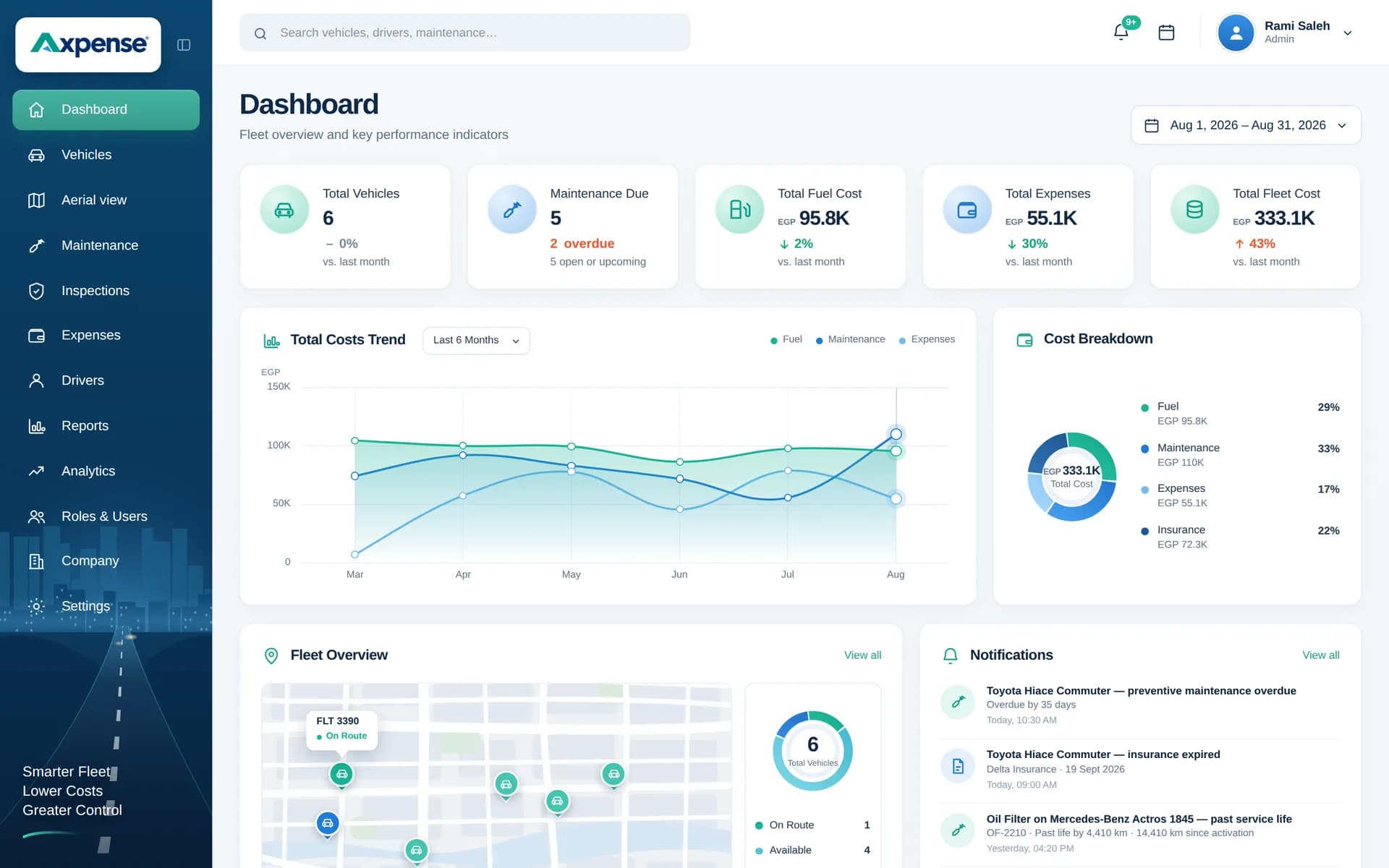
For a manufacturer, vehicles are a support function that nobody owns full time: trucks move goods out, buses bring shifts in and cars carry sales and management. Axpense gives that mixed fleet one owner and one system, with services planned by kilometre, parts tracked into each vehicle and the cost of every vehicle visible to finance.
Why fleets inside manufacturing companies drift
In a factory, attention goes to the production line. The vehicles that keep it supplied and staffed are usually looked after by an administration or logistics team as one job among many.
- Nobody owns the fleet. Trucks are with logistics, buses with HR or administration, cars with each department, and each group keeps its own records.
- Parts go missing. Vehicle parts are bought through the plant store alongside production spares, and it is hard to tell which ones went into which truck.
- Utilisation is unknown. Some vehicles run every day while others sit in the car park, but without kilometres per vehicle there is no evidence to reassign or sell them.
- Finance sees one line. Vehicle costs are booked into general overheads, so the real cost of the delivery fleet or the staff buses never appears.
Vehicles a manufacturer typically runs
A manufacturing fleet usually combines delivery trucks taking finished goods to distributors and customers, light trucks and pickups moving materials between plants or warehouses, staff buses and minibuses for shift workers in industrial zones, and company cars for sales, purchasing and management.
Each of these is a vehicle record in Axpense with plate, make, model, odometer, status and assigned driver, so the whole fleet sits in one register even when different departments use it.
Maintenance needs: keeping shifts and deliveries on time
When a staff bus breaks down, a shift starts late. When a delivery truck breaks down, an order ships late. Both show up as production problems, even though the cause is maintenance.
Axpense schedules preventive maintenance by kilometre for each vehicle, shows the distance left to the next service and lists overdue vehicles, so services can be booked on weekends or between shifts instead of after a breakdown. Buses on fixed daily routes are easy to plan this way because their kilometres are predictable. The full service history stays on each vehicle. For the wider maintenance approach, see fleet maintenance software.
Parts inventory for vehicles
Manufacturers already understand inventory, but vehicle parts are often mixed in with production spares. The spare parts module tracks vehicle parts from purchase to installation and shows which part went into which vehicle.
That answers questions the plant store cannot: how many sets of brake pads the bus fleet used this year, whether a battery that failed early was fitted three months or three years ago, and which vehicle took the last set of filters.
Cost needs: utilisation and cost per vehicle
A vehicle that is rarely used still costs insurance, registration and depreciation. Comparing kilometres driven with total cost per vehicle shows which ones earn their place.
| Vehicle (example) | km last year | Total cost | Cost per km |
|---|---|---|---|
| Delivery truck | 60,000 | 240,000 EGP | 4.0 EGP |
| Pool car | 6,000 | 90,000 EGP | 15.0 EGP |
In this example, the pool car costs almost four times as much per km as the truck, which raises the question of whether it is needed at all. Axpense records repairs, parts, insurance, registration and other expenses per vehicle and category, and fleet cost tracking shows how those roll up for finance.
Inspection needs: buses and trucks leaving the gate
Staff buses carry many people every day and delivery trucks leave through the factory gate with full loads, so both benefit from a short check before departure: tyres, brakes, lights, doors and emergency exits on buses, and load securing on trucks. In Axpense you build the checklist once, each item is marked pass or fail, and failed items are recorded on the vehicle for follow-up.
A manufacturing fleet workflow in Axpense
- 1
Bring every department’s vehicles into one register
Trucks, buses, pickups and cars, each with odometer, status and assigned driver.
- 2
Set km service intervals
Axpense tracks km left per service so work can be booked between shifts.
- 3
Record vehicle parts
Track parts from purchase to the vehicle they were fitted to.
- 4
Check buses and trucks before departure
Checklist results, with failed items kept on the vehicle.
- 5
Record expenses per vehicle
Repairs, insurance and registration by category.
- 6
Review utilisation and cost quarterly
Compare cost per vehicle with kilometres driven to decide what to keep, move or sell.
Modules manufacturers use
Vehicle management
One register for trucks, buses and cars across departments.
Spare parts
Vehicle parts traced from purchase to installation.
Preventive maintenance
Km-based services planned around shifts and deliveries.
Expenses
Every cost recorded per vehicle and category.
Depreciation and lifecycle
Book value per vehicle for finance and replacement plans.
Reports
Cost by vehicle and category and maintenance status on one screen.
KPIs for a manufacturing fleet
Practical measures you can build from the records kept in Axpense.
Kilometres per vehicle per month, to spot under-used vehicles.
Cost per km for delivery trucks, and cost per vehicle for buses and cars.
Services overdue, especially on staff buses.
Parts used per vehicle compared with similar vehicles.
Days a bus or truck was off the road and not replaced.
Example: a factory with 30 vehicles and three owners
Consider a hypothetical food manufacturer with 12 delivery trucks managed by logistics, 8 staff buses managed by administration and 10 company cars spread across departments. Each group keeps its own sheet, and vehicle parts are drawn from the main plant store.
The company names one fleet coordinator and registers all 30 vehicles in Axpense, with km-based service intervals and assigned drivers. Vehicle parts are recorded as they are fitted. After a quarter, the coordinator can show which buses are due for service before the next shift change, which parts each truck has used, and that two company cars drove very little while carrying the same fixed costs as the others. That gives management a clear, documented basis for reassigning or selling them.
Frequently asked questions
Can one system hold vehicles managed by different departments?
Yes. Trucks, buses and cars all sit in one register with their assigned drivers, so the fleet coordinator and each department see the same records.
How does Axpense help with vehicle parts inventory?
The spare parts module tracks vehicle parts from purchase to installation and shows which part went into which vehicle. Our guide to fleet spare parts management covers good practice.
How can we measure vehicle utilisation?
Compare kilometres driven per vehicle over a period with its total cost. Vehicles with low kilometres and high fixed costs are candidates to reassign or sell.
Does Axpense show depreciation for finance?
Yes. Each vehicle has a book value over time, so finance can see the value of the fleet alongside its running costs. See vehicle depreciation and lifecycle.
How long does setup take?
Most teams are live in one day with free onboarding. Prices are on the pricing page.
Related guides
Fleet Spare Parts Management: A Practical Guide for Fleet Managers
Fleet spare parts management in practice: which parts to stock, how much, how to record which part went into which vehicle, and how to track cost.
Read articleWhat Is Asset Management? Lifecycle, Depreciation and Replacement
What is asset management for vehicles and equipment: lifecycle stages, the asset register, a depreciation example in EGP and how to decide when to replace.
Read articleHow to Calculate Fleet Costs and Build a Fleet Budget
How to calculate fleet costs for the whole fleet: fixed vs variable costs, cost categories, a 20-vehicle monthly budget in EGP and a variance review routine.
Read articleSee Axpense with your own fleet
Book a short demo. We’ll set up a few of your vehicles and show you how it works day to day.